
Hurricane season runs until November 30, and the late storms can be the rough ones. After a storm, the damage that hurts a small business most is usually not the building. It is lost files and fried equipment, and nearly all of it can be prevented with one afternoon of prep.
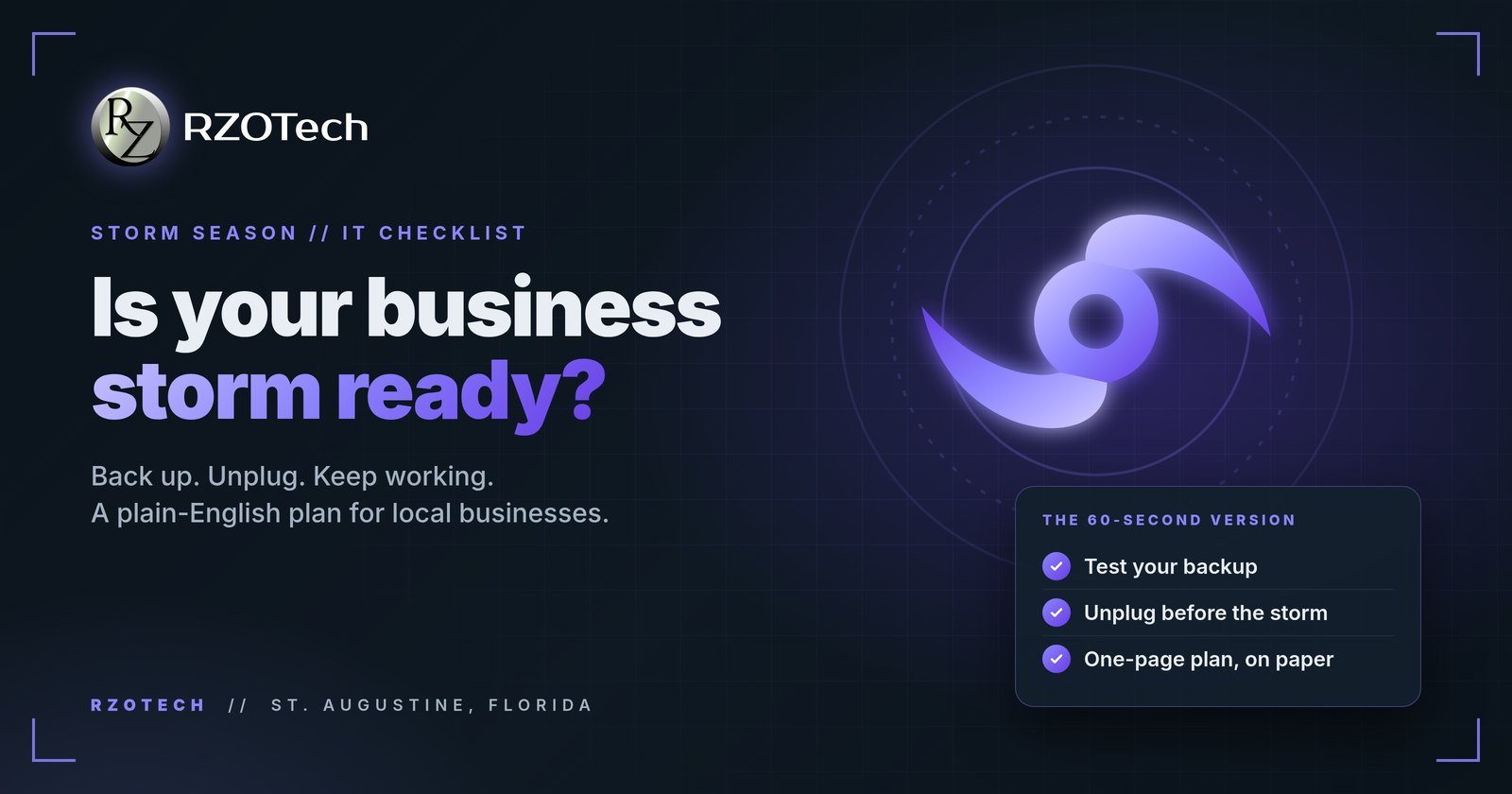
The 60-second checklist
Tick them off as you go.
Back Up Before the Cone Shows Up
Customer records, invoices, QuickBooks files and contracts are the things no store can sell you back. Keep two layers: an automatic cloud backup that runs on its own, and a copy of your most critical files on an external drive you can take with you if you evacuate.
Then test it. Pull a few files back down and open them. A backup you have never restored from is a guess, not a plan.
Protect the Hardware
- Move computers, servers and point of sale gear off the floor and away from windows.
- Shut everything down fully, then unplug it. The surge when power returns kills more hardware than the outage does.
- Keep your router, modem and network gear on surge protectors year round.
- Bag drives and paperwork in sealed plastic.
Still running a server in a back room? Moving email and files to the cloud is often the biggest single step toward being storm proof.
Plan to Work Through the Outage
Outages in Northeast Florida can last days. Decide now who answers the phones, where calls forward, and which two people can reach the files, the bank and the payment system from a laptop or phone. Put vendor and insurance contacts on paper. A one-page plan taped inside a cabinet beats a binder nobody opens.
After the Storm
Do not plug everything back in at once. If anything got wet, leave it off: a drive that has not been powered on is often still recoverable. Call us before you try it, and we will come to you. Then confirm your backups are running again, change any passwords you shared in a hurry, and watch for scam emails from fake adjusters and repair crews.
Frequently Asked Questions
When should I start preparing my business technology for a hurricane?
Now, before a storm has a name. Backups, surge protection and a written plan take an afternoon, and they save days of recovery later.
Is a cloud backup enough on its own?
It is a strong start if it actually works. Test a restore, and keep one local copy of critical records on a drive you can take with you.
What should I unplug before a storm hits?
Computers, monitors, printers, routers and point of sale equipment. The surge when power comes back can do more damage than the outage, and unplugging is the only sure protection.
Want a second set of eyes on your backups or your storm plan? Contact us or call (904) 429-7271. We work on site and remotely across St. Augustine and the areas we serve in St. Johns County.