
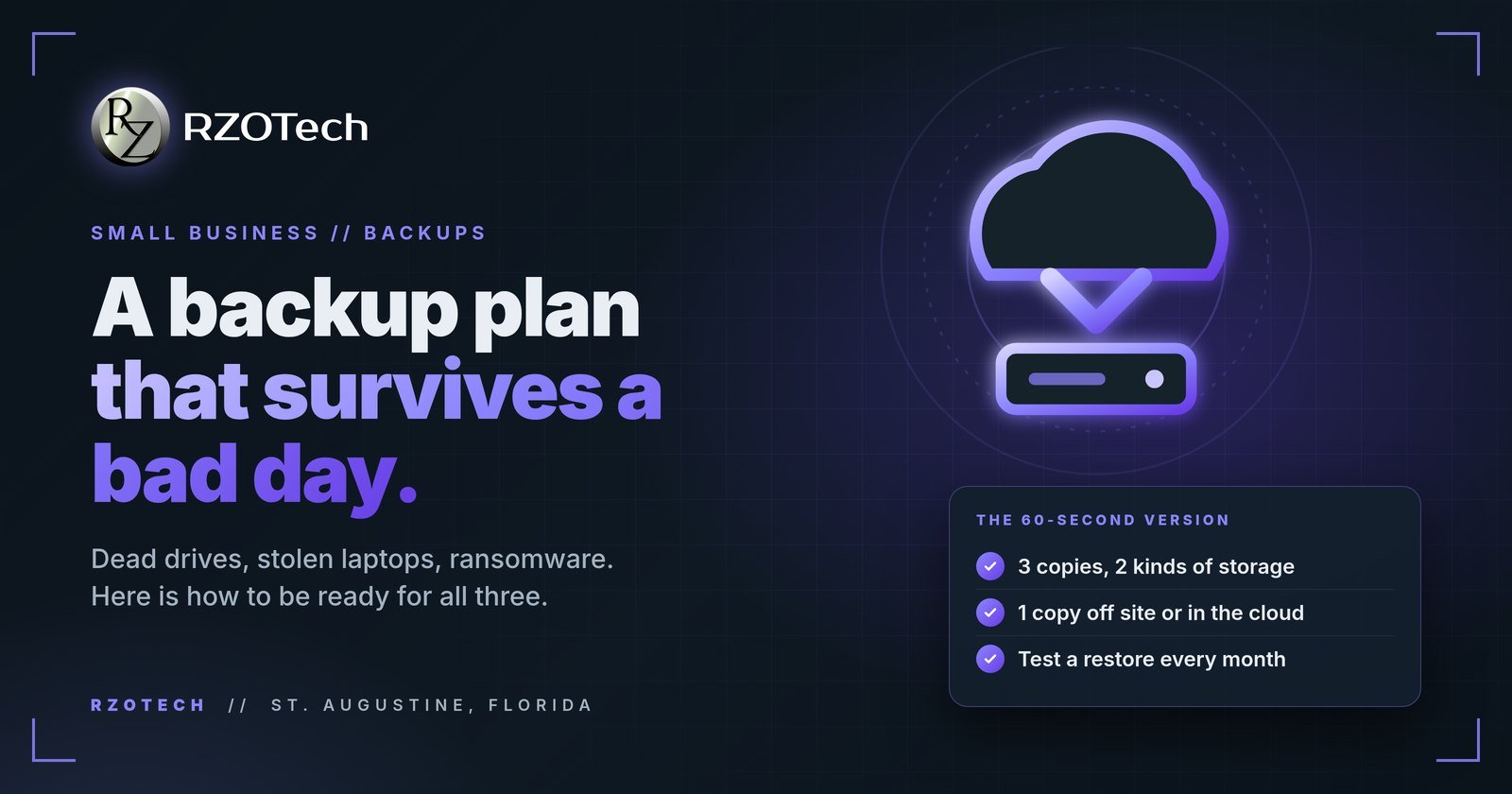
Every small business in St. Augustine is one bad day away from finding out whether its backups are real. A dead drive, a stolen laptop, ransomware, a power surge, or one wrong click on delete can all land on an ordinary Tuesday.
The 60-second checklist
Tick them off as you go.
Three Copies, Two Kinds, One Off Site
The plan worth remembering fits on a sticky note. It is called 3-2-1: three copies of anything you cannot lose, on two different kinds of storage, with one copy off site or in the cloud.
Each number covers a different bad day. The extra copies survive a dead drive. The second kind of storage survives the failure that takes the first kind with it. The off-site copy survives theft, fire, storms, and ransomware that locks every drive left plugged in.
What to Back Up, and How Often
Start with the files that would stop the business cold: customer records, accounting files, invoices, email, shared folders, and the one laptop the owner keeps everything on. Ask what you could not recreate from memory. That is the list.
Then match the schedule to the pace of change. Anything that changes daily gets backed up daily, automatically. A backup that waits for someone to remember it is a backup that quietly stops happening.
Sync Is Not a Backup
This one catches smart owners. A shared cloud folder feels like a backup because the files live in two places.
But sync mirrors everything, including the damage. Delete the wrong folder and the deletion syncs. Get hit by ransomware and the scrambled files sync too, within minutes. A real backup keeps older versions of your files so you can reach back to the day before the disaster.
Test It Before the Bad Day Does
Here is the step almost everyone skips. On a schedule, pick a file and restore it. Open it. Confirm it is the version you expected.
A backup nobody has restored from is a guess. This is where we earn our keep for St. Johns County businesses: we come to you, set the plan up on site, and watch it remotely so a failed backup gets noticed the day it fails, not the day you need it.
Frequently Asked Questions
What is the 3-2-1 backup rule?
Keep three copies of your important files, store them on two different kinds of storage, and keep one copy off site or in the cloud. Each part covers a different disaster: a dead drive, a theft or fire at the building, and anything that takes out everything plugged in at once.
Is a shared cloud folder the same as a backup?
No. A sync folder mirrors whatever happens on your computer, including the bad things. Delete the wrong folder or get hit by ransomware and the damage copies to the cloud within minutes. A real backup keeps older versions you can reach back to after the damage is done.
How often should I test my backups?
Put it on the calendar and actually restore a file, monthly for most small businesses. A backup nobody has ever restored from is a guess, not a plan. The test takes a few minutes and tells you the one thing that matters: whether the files come back.
Not sure what your current setup would actually save? Contact us or call (904) 429-7271. We come to you, on site to build the backup plan or remote to keep an eye on it, across St. Augustine and the areas we serve in St. Johns County.